

Best Automation Tools for PowerPoint 2025
Automation tools for PowerPoint have become essential in 2025, saving professionals significant time while ensuring polished presentations. These tools transform raw content into ready-to-use slides, maintain brand consistency, and simplify workflows. Popular options like Microsoft Copilot, Beautiful.ai, and Skywork AI stand out for their ability to quickly create professional slides, integrate seamlessly with PowerPoint, and support branding needs.
Key Highlights:
Time Savings: Tools like Microsoft Copilot can generate complete presentations in minutes.
AI Features: Beautiful.ai adjusts layouts automatically, while Skywork AI includes research data and citations.
Branding Tools: Features like locked templates and brand-sync ensure consistent visuals.
PowerPoint Integration: Add-ins like Beautiful.ai work directly within PowerPoint for a smooth user experience.
While automation tools handle repetitive tasks, pairing them with professional design services like Present Partners adds a strategic edge for high-stakes presentations. This combination ensures both efficiency and impactful storytelling.
I’ve Tried Top 10 AI Presentation Tools. These Are The Results!✨
How to Choose PowerPoint Automation Tools
When selecting PowerPoint automation tools, focus on improving workflow efficiency and creating polished, professional slides. Pay close attention to three key areas: AI capabilities, brand management, and PowerPoint integration.
Think about your most frequent presentation needs and assess how each tool addresses them. Whether you need to turn meeting notes into slides or ensure brand consistency across team presentations, understanding your specific requirements is essential. Let’s explore the main features to consider when evaluating PowerPoint automation tools for 2025.
AI-Powered Content Creation
AI-driven tools save significant time by turning raw information into polished presentations. What used to take hours can now be done in seconds, making these tools indispensable for busy professionals.
Microsoft Copilot: This tool shines at converting documents or meeting notes into structured presentations. For instance, it can take a Word document or a set of bullet points and produce a complete slide deck with headings, organized content, and basic formatting. It's perfect for professionals presenting research findings or project updates.
Beautiful.ai: Known for its design-first approach, Beautiful.ai automatically applies professional design principles as you type. It adjusts layouts, maintains visual harmony, and eliminates the risk of inconsistent designs often associated with manual slide creation.
Skywork AI: Ideal for research-heavy projects, Skywork AI generates slides complete with citations and research data. Once created, these slides can be exported to PowerPoint for further customization. This feature is particularly valuable for consultants, analysts, and academics presenting data-driven insights.
These tools handle the heavy lifting of slide creation, allowing you to focus on refining your message and tailoring content to your audience.
Brand Management and Templates
Maintaining brand consistency is non-negotiable for high-profile presentations, such as pitches to investors or major clients. The right tools ensure your slides align with your organization’s visual identity.
Brand Sync Features: Tools like Beautiful.ai and Presentations.AI automatically apply approved fonts, colors, and logos to every slide. This ensures no one accidentally uses off-brand visuals or formatting that could detract from your credibility.
Customizable Templates: Look for tools that let you store and share pre-approved templates, including structures, slide types, and content frameworks. Starting with a professional foundation not only saves time but also ensures all team members adhere to brand guidelines.
Advanced Customization: Some tools go further by allowing you to set specific brand rules. For example, they can apply unique chart styles and colors to data slides or enforce distinct formatting for executive summaries. Collaborative features, like shared template libraries and centralized updates, make it easier to maintain consistency across both in-office and remote teams.
Microsoft PowerPoint Integration
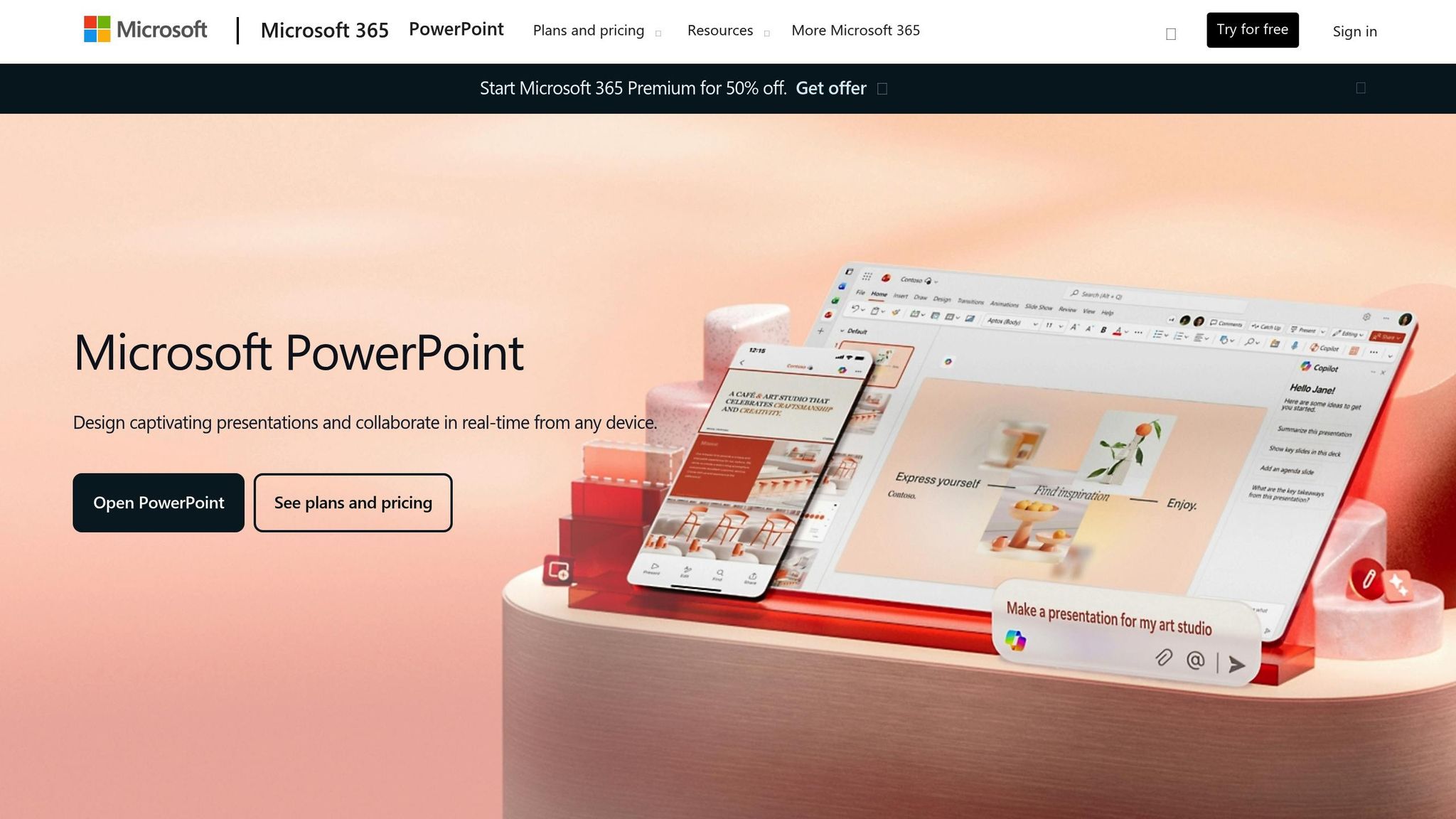
Smooth integration with PowerPoint is critical to avoid workflow disruptions and lengthy training sessions. A tool’s integration capabilities often determine whether it becomes a staple in your workflow or gets abandoned after a trial period.
Microsoft Copilot: As a native PowerPoint feature, Copilot allows users to generate, edit, and refine presentations directly within PowerPoint. This eliminates compatibility issues and ensures all PowerPoint features remain functional.
Add-in Tools: Options like Beautiful.ai and Plus AI integrate seamlessly through PowerPoint’s add-in system. These tools appear as panels within PowerPoint, giving you access to enhanced features while working in your familiar workspace. Importantly, all edits are saved in PowerPoint’s native format, preserving styling and functionality.
High-Fidelity Exports: Tools with high-quality PPTX export capabilities ensure your slides retain their formatting, avoiding broken layouts or missing fonts.
Additionally, consider how well the tool fits into your organization’s existing setup. For example, Microsoft 365 users benefit from tools that pull data from Excel, content from Word, or insights from Teams directly into PowerPoint. The best integrations also preserve advanced PowerPoint features like animations, transitions, and speaker notes, ensuring nothing is lost in translation.
Next, we’ll dive into the top automation tools that meet these criteria and stand out in 2025.
Best PowerPoint Automation Tools for 2025
One tool making waves in 2025 for PowerPoint automation is Beautiful.ai, known for its forward-thinking approach to creating presentations. Here’s a closer look at what makes Beautiful.ai stand out.
Beautiful.ai simplifies presentation design with its Smart Slides feature. As you add content, the platform automatically adjusts elements like spacing, font sizes, color schemes, and layout proportions. The result? Every slide looks polished and professional without requiring a design background.
Graham Tracey, Senior Strategic Consultant at Hobsons, shared, "If I were to compare doing the same thing in PowerPoint, I'd say I'm 80% more efficient using Beautiful.ai".
In addition to its automated design capabilities, Beautiful.ai incorporates AI-driven content generation to create custom visuals like images, icons, and graphics. Its Locked Slides feature ensures brand elements remain consistent across presentations, while the built-in AI writing assistant helps fine-tune messaging for a cohesive tone.
Beautiful.ai offers flexible pricing, starting at $12 per month (billed annually), with plans designed for individuals, small teams, and enterprises. All plans include unlimited access to AI-generated content and Smart Slide templates.
How to Use PowerPoint Automation Tools Effectively
To get the most out of the automation tools mentioned earlier, it's important to integrate them thoughtfully into your workflow. These tools can simplify design, enforce brand consistency, and improve team collaboration. Here's how to make them work for you.
Automating Repetitive Design Tasks
Reclaim your time by automating those tedious design tasks. For instance, Microsoft Copilot can transform Word documents or even simple prompts into complete slide decks in just minutes. Instead of manually creating slides, you can upload your content and let Copilot handle the structure for you.
Another great tool is Beautiful.ai, which uses Smart Slides to automatically adjust layouts. Add text or images, and the tool rearranges everything to maintain professional spacing and proportions. This way, you can focus on your message rather than fiddling with design details.
If your presentation relies on up-to-date data, tools like Displayr can set automated refresh intervals to keep your reports current. This is especially useful for sales teams and executives who frequently present updated metrics.
By using these design automation tools, teams have reported reducing slide creation time by as much as 80%. That’s a huge time saver, especially when working on multiple presentations or making regular updates to existing decks.
Maintaining Brand Standards
While design automation saves time, maintaining brand consistency is just as important. Tools like Beautiful.ai and Presentations.AI let you create locked branded templates. These templates ensure every slide automatically follows approved fonts, colors, and logos, so you don’t have to worry about off-brand presentations reaching your audience.
For organizations using Microsoft 365, PowerPoint with Copilot integrates seamlessly with your brand assets. This makes it easy to apply the correct styles automatically. To keep everything on track, establish clear guidelines for template usage and regularly update your brand assets within the platform. This helps ensure every presentation aligns with your company’s professional image.
Improving Team Collaboration
Once design and branding are under control, the next step is enhancing team collaboration. Automation tools like PowerPoint with Copilot and Presentations.AI make teamwork smoother with features like real-time co-authoring and in-app commenting.
In-app comments allow reviewers to give specific feedback directly on the slides, eliminating the need for long email threads or separate review documents. Version control ensures everyone is working on the latest file, avoiding confusion caused by outdated drafts.
Teams using these collaboration tools have seen turnaround times improve by 50%. Automation minimizes back-and-forth delays, enabling team members to work simultaneously while updates are integrated in real time.
Permission controls also play a key role. They allow different team members to have specific access rights - content creators can edit, reviewers can comment, and final approvers can publish - all within a single workflow. This streamlined process helps presentations move smoothly from idea to completion, freeing up time to focus on strategy and content quality instead of coordination headaches.
Present Partners: Professional PowerPoint Design Services
Automation tools might be great for handling routine tasks, but when it comes to critical presentations, there’s no substitute for expert craftsmanship. High-stakes moments, like securing funding or landing a major client, require more than just polished slides - they demand a thoughtful strategy and creative finesse that automated tools simply can’t deliver. That’s where specialized professionals step in.
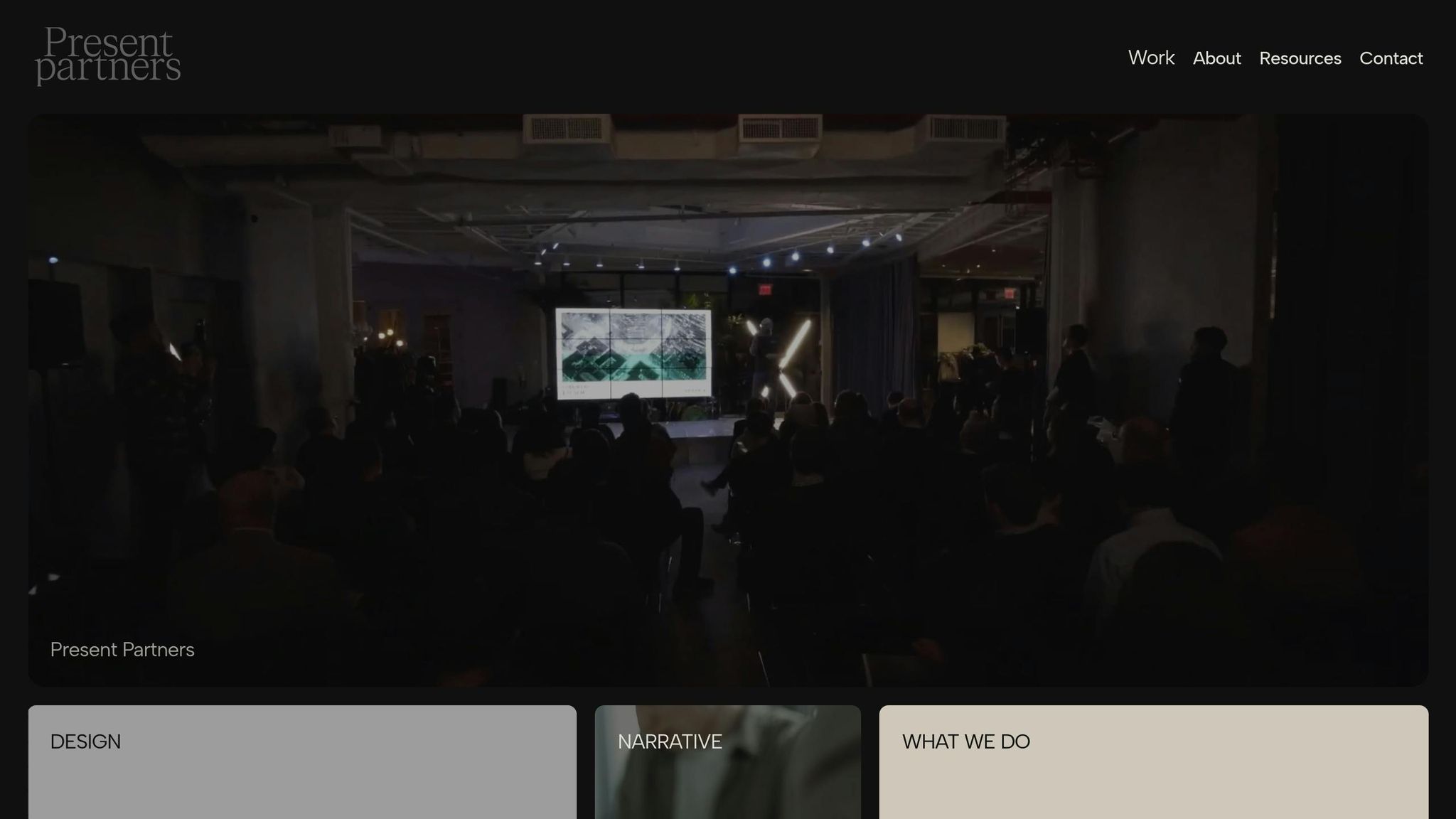
Enter Present Partners, a New York-based agency that specializes in designing presentations aimed at driving results. Their expertise lies in creating presentations that don’t just look good - they win business. By blending strategic thinking with visual storytelling, they craft presentations that leave a lasting impression.
"We design high-stakes presentations. The ones that win funding, secure clients, and drive decisions." - Present Partners
Custom Presentation Design Services
While automated tools can streamline certain aspects of presentation creation, Present Partners takes it a step further with tailored slide design, custom templates, and content structuring. Their work ensures every presentation maintains visual consistency while telling a compelling story.
What truly sets them apart is their focus on narrative development and copywriting. It’s not just about making slides visually appealing - it’s about crafting a message that resonates with your audience. Whether you’re pitching to investors, presenting to a board, or proposing to a major client, Present Partners ensures your story connects. Their custom template systems also allow you to keep a consistent visual identity while adapting to different audiences and objectives.
Long-Term Client Partnerships
Present Partners doesn’t just deliver one-off projects - they build enduring relationships with their clients. By developing a deep understanding of your brand, they provide ongoing, high-quality support whenever you need it.
"We are a New York–based agency dedicated to presentation design, partnering with clients who need ongoing, high-quality design and strategic thinking." - Present Partners
This long-term approach comes with clear benefits. Having a design partner who already knows your brand guidelines, messaging priorities, and visual preferences means you can act quickly when unexpected opportunities arise. For companies that frequently present to investors, clients, or internal teams, this kind of consistent support ensures every presentation aligns with your brand while delivering strategic impact.
Brand-Focused Design Approach
Present Partners takes a brand-first approach to design, ensuring that every presentation authentically reflects your identity while achieving professional standards. Their process begins with a deep dive into your brand guidelines, business goals, and target audience. These insights shape every design decision, from typography and color schemes to layout and storytelling. The result? Presentations that feel uniquely yours and meet the highest professional standards.
This approach is especially critical when presentation outcomes directly affect revenue. Competing for funding or major contracts requires presentations that stand out while maintaining credibility. Present Partners strikes this balance, creating designs that grab attention without compromising professionalism. Their work goes beyond what automated tools can offer, addressing strategic needs and ensuring your brand makes a lasting impact.
Research backs up the value of professional presentation design. Professionally crafted decks can boost audience retention by up to 80% and improve funding pitch success rates by 30–50% compared to non-professional designs. For businesses where presentations play a key role in driving revenue, these improvements can make investing in expert design services a no-brainer.
Conclusion
By 2025, PowerPoint automation tools are set to revolutionize slide creation, slashing production time by up to 80% and enabling teams to channel their energy into strategy and content rather than tedious formatting tasks. With features like instant slide generation, real-time data updates, and automated brand consistency, these tools take care of the repetitive work that used to eat up hours.
Many of these tools are surprisingly affordable, starting at just $10–$12 per month for individual users. They make it easy for businesses of all sizes to produce polished, professional slides, effortlessly converting text and documents into visually appealing presentations while keeping branding consistent.
While automation tools are fantastic for routine tasks, pairing them with expert design services takes presentations to the next level. High-stakes presentations - like those aimed at securing funding, landing major clients, or driving critical decisions - benefit immensely from the strategic storytelling and refined visuals that professional designers bring to the table.
As outlined, the smartest approach is to combine the efficiency of automation with the expertise of professional designers. Automation handles the heavy lifting of initial slide creation and formatting, while expert agencies like Present Partners step in to craft compelling narratives, create custom visuals, and fine-tune brand elements. This balanced strategy ensures you meet the high standards of today’s competitive environment, where success often hinges on blending technology with human creativity to deliver impactful results.
FAQs
How do automation tools like Microsoft Copilot and Beautiful.ai work with PowerPoint to streamline workflows?
Automation tools like Microsoft Copilot and Beautiful.ai are game-changers for PowerPoint users, simplifying the process of crafting professional presentations. Microsoft Copilot leverages AI to suggest content, refine slide layouts, and even create text based on your input - cutting down on time-consuming tasks. Meanwhile, Beautiful.ai focuses on helping you design visually impressive slides with ease, which you can then export to PowerPoint for additional tweaking. These tools not only save time but also integrate smoothly with your current PowerPoint workflow.
What are the advantages of using AI-driven tools to enhance PowerPoint presentations?
AI-powered tools are changing the game when it comes to creating PowerPoint presentations. They can take care of time-consuming tasks like formatting slides, crafting eye-catching designs, and organizing content in a way that’s both logical and engaging. This means you can spend less time wrestling with design details and more time focusing on delivering your message.
These tools also make it easier to maintain brand consistency by automatically applying your company’s templates and design standards. For businesses, this is a huge plus - it keeps presentations looking polished and professional. On top of that, many AI tools offer features like content suggestions and improved data visualization, helping you create presentations that not only look great but also connect with your audience.
How can professional design services enhance the use of automation tools for important presentations?
Professional design services, such as those provided by Present Partners, can transform your high-stakes presentations into powerful tools for communication. By blending strategic design expertise with time-saving automation tools, they ensure your slides are not only efficient to create but also visually engaging, well-organized, and audience-focused.
Present Partners offers a range of services, including slide design, custom template creation, content organization, and story development. Together, these services help produce polished presentations that clearly convey your message - whether you're aiming to secure clients, win funding, or influence critical decisions.